Below, we walk through how to opt out of Evernote’s new change to its privacy policy, allowing machine learning and artificial intelligence to read your Evernote files.
Steps to Opt-Out of Evernote’s New AI Privacy Policy
- Login to your Evernote account.
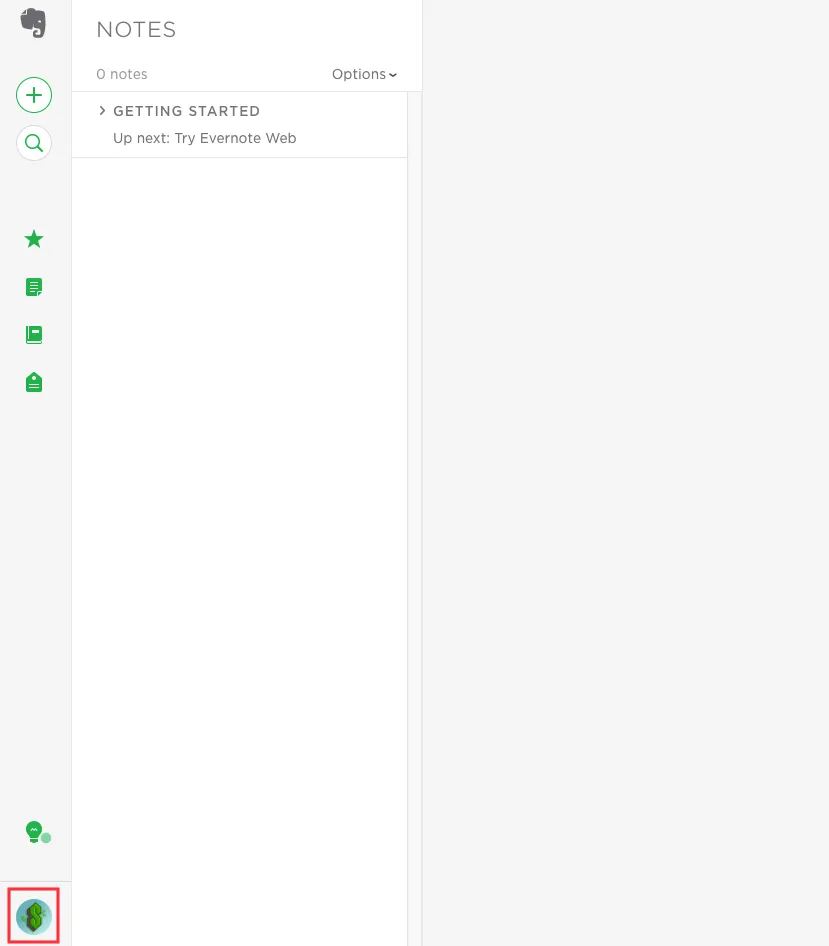
- Select your “account settings” icon in the lower left hand corner.
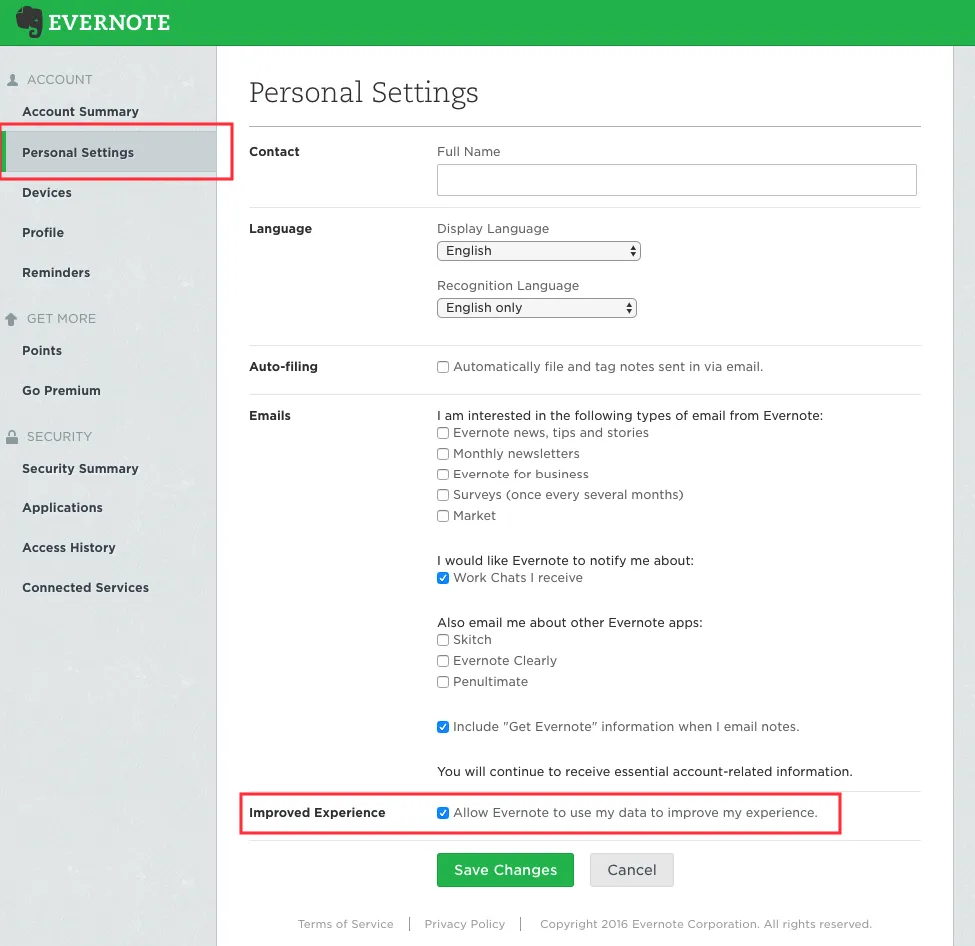
- Click on “Personal Settings” and then uncheck the “Allow Evernote to use my data to improve my experience.”
You’re all done!
Scroll down to see pictures for the steps I described above.
SEE ALSO: Evernote’s Key Executive Team
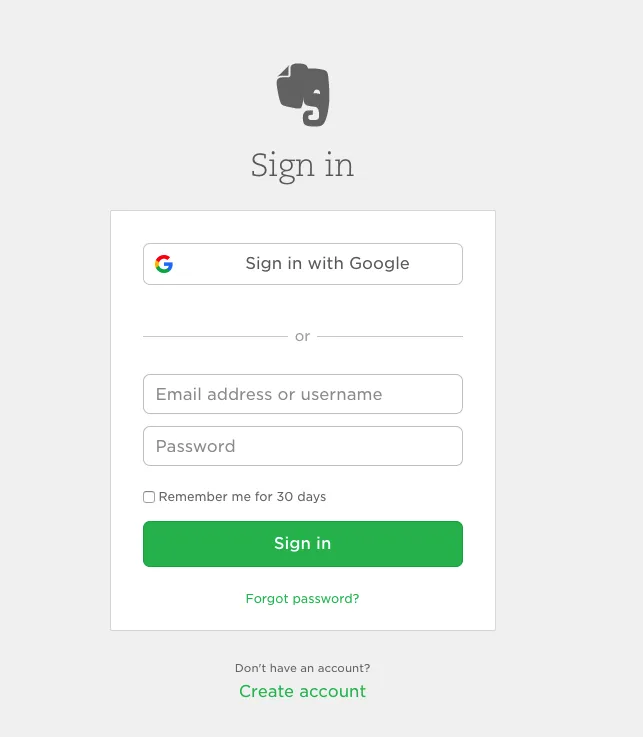
Step 1. Login to your Evernote account.
Step 2. Select your “account settings” icon in the lower left hand corner.
Step 3. Click on “Personal Settings” and then uncheck the “Allow Evernote to use my data to improve my experience.”